
Skip to product information
1 of 4

Axiometa

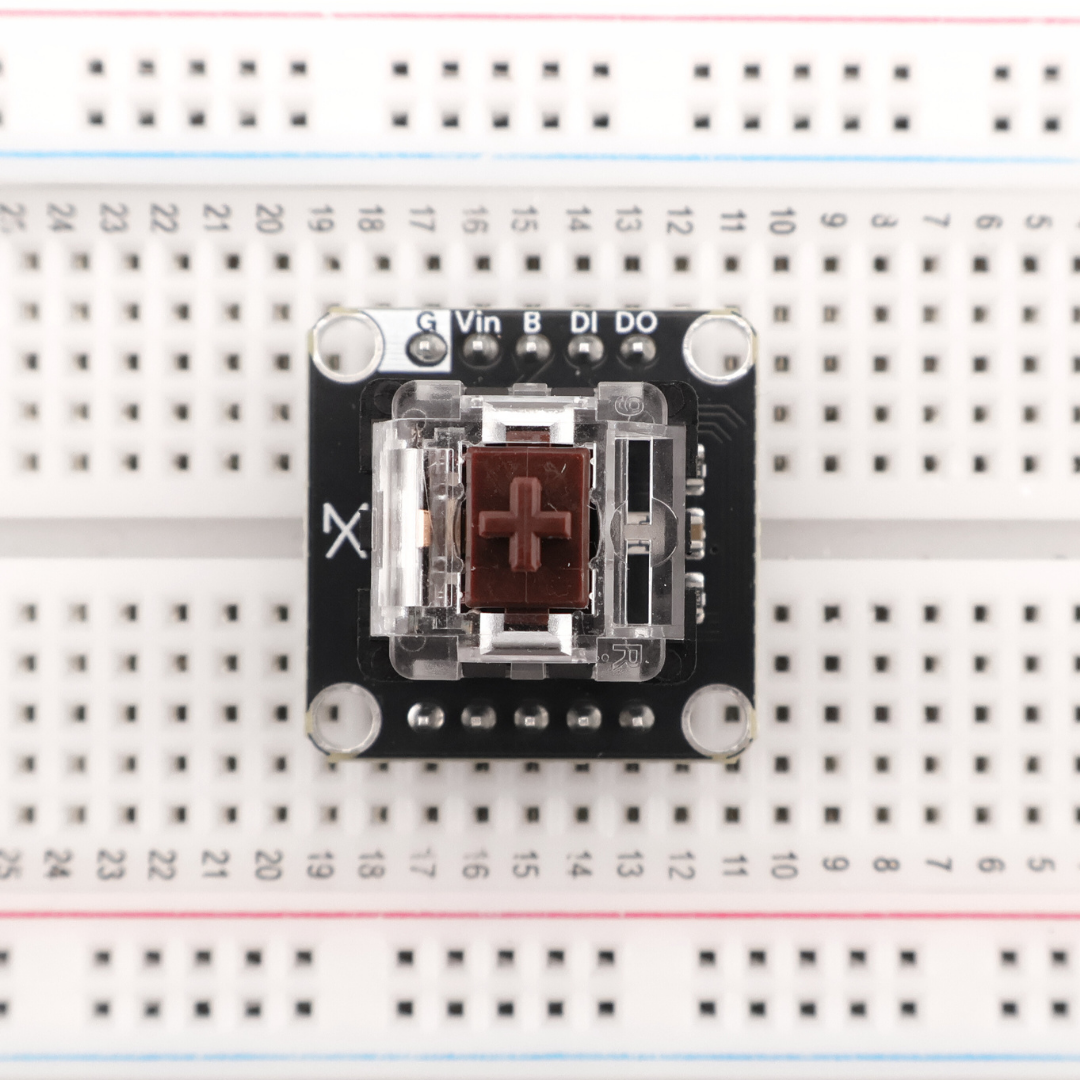
Keyboard Key with an Addressable LED

Keyboard Key with an Addressable LED

SKU:AX22-0027

Low stock: 5 left

Click it, see it. This AX22-sized board seats a mechanical switch and tucks a tiny  “NeoPixel” LED beneath it, giving you crisp tactile input and full-colour feedback from the same 22 × 22 mm square. Comes with a built-in debounce circuit the switch and an active-low GPIO read. Drop it into any AX22 backplane to add per-key lighting, mode indicators, or game-style bling with a single digital pin and a handful of library calls in Arduino, MicroPython, or MicroBlocks.
Regular price $3.99
Regular price Sale price $3.99
Sale Sold out
Taxes included. Shipping calculated at checkout.
View full details
  • - 22 mm × 22 mm square
    - 4× ⌀2.7 mm Mounting Holes
    - Compatible with most MX & Kailh key cap styles
    - 24-bit colour, 800 kHz single-wire protocol
    - Switch pullup and debounce
    - 3.3 V, 5.0 V
    - Arduino IDE Compatible
    - MicroPython Compatible
    - MicroBlocks Compatible

    Material Datasheet 

Technical Resources

Keyboard Key with an Addressable LED - (AX22-0027)

PCB FRONT

PCB BACK

🟢 Live 3D Model

🖱️ Click & drag to rotate
#include <Adafruit_NeoPixel.h>

#define BUTTON_PIN 1
#define NEOPIXEL_PIN 14

#define NUM_PIXELS 1   // assuming only one NeoPixel

Adafruit_NeoPixel strip(NUM_PIXELS, NEOPIXEL_PIN, NEO_GRB + NEO_KHZ800);

void setup() {
  pinMode(BUTTON_PIN, INPUT_PULLUP);
  strip.begin();
  strip.show(); 
}

void loop() {
  int buttonState = digitalRead(BUTTON_PIN);

  if (buttonState == LOW) {
    strip.setPixelColor(0, strip.Color(255, 0, 0)); // Red
    strip.show();
  } else {
    strip.setPixelColor(0, strip.Color(0, 0, 0)); // Off
    strip.show();
  }
}