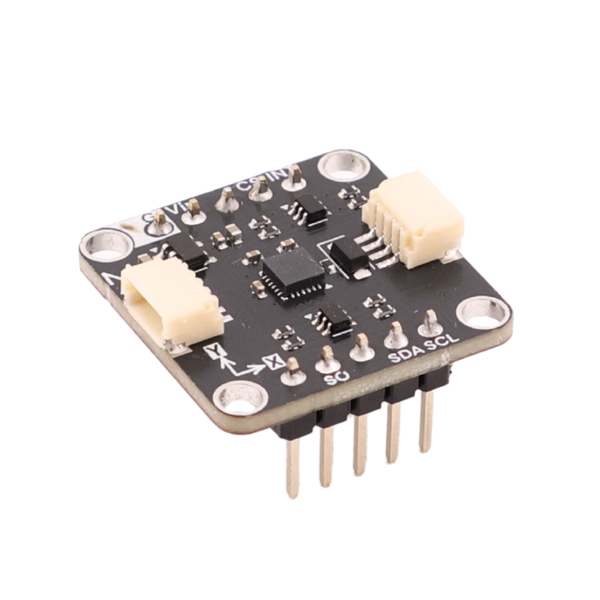
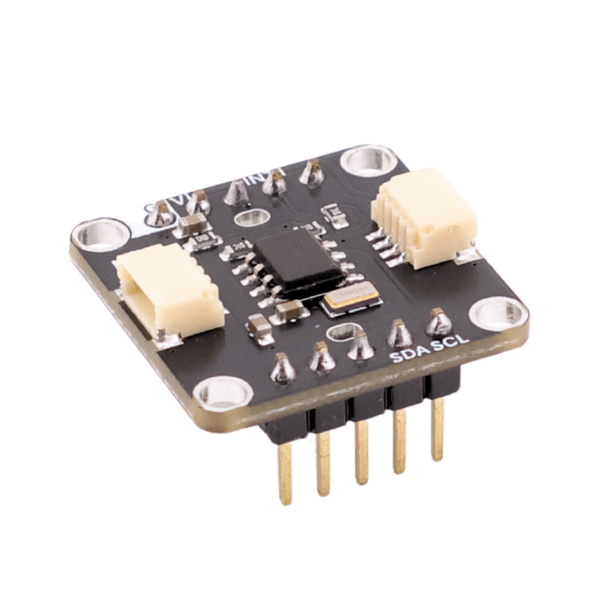
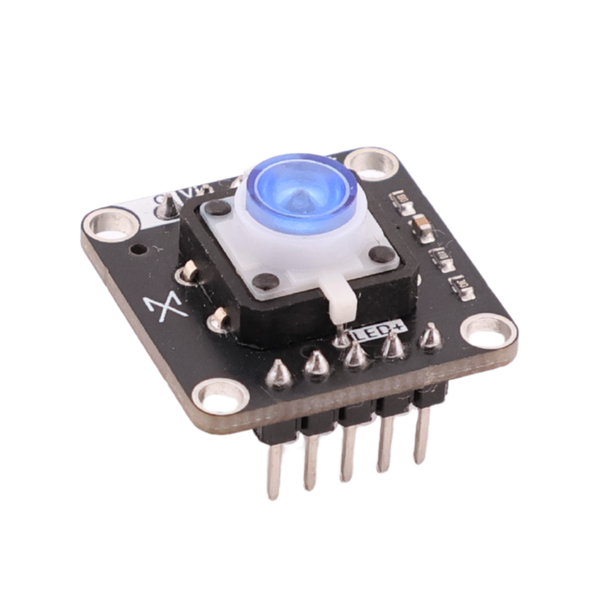
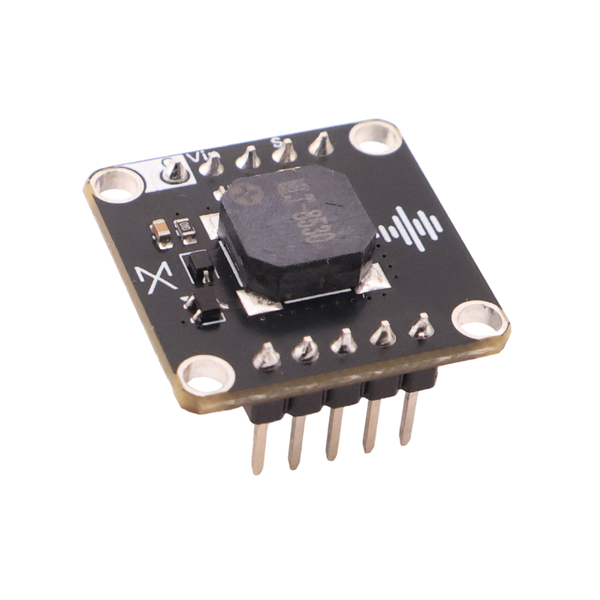
Robotic Arm
3-Axis Robotic Arm that lets you move, grip and control however you like it
Go from idea to custom project in minutes with AI-assisted firmware and snap-in modules

Tell a chatbot what you want to build and it writes your code.
Plug in the sensors, displays, or motors chatbot recommended into place
Upload the firmware to your board and watch it work. Tweak the code if needed.


 4.5/5 Trustpilot Score
Reviews from makers, students, and engineers who've put Axiometa through its paces.

 For Kids, For Students, For Makers, For Engineers
 Community
Built by people like you
3-Axis Robotic Arm that lets you move, grip and control however you like it

An LED matrix that pulses to whatever’s playing.

Live frequency spectrum from the mic, on screen.

A live signal scope in the browser, from the ADC.

Track your hand on the webcam and drive a servo.

A mic that listens, transcribes, and answers back with AI.

Temp, humidity and air quality, served over Wi-Fi.

Board for people who want to test a few simple projects
 4x AX22 portsESP32-S3 Mini, 4MB flash & 2MB PSRAM55 × 55mm compact boardRuns on 3x AA/AAA batteriesGood for simple, single-sensor projects
More ports, more power, more room to build anything you can imagine.

 8x AX22 portsESP32-S3, 8MB flash & 2MB PSRAM55 × 103mm board with room for bigger buildsRuns on USB-C rechargeable LiPo/Li-Ion batteriesBuilt for multi-sensor, multi-module, advanced projectsFAQ
No. You can start with plug-and-play modules and simple prompts, then learn more about code, wiring and electronics as you go.
Yes. In Axiometa Studio, open your profile, select Studio Headless, and copy the provided prompt into your Claude agent in VS Code or Cursor. This lets your coding agent work with Axiometa hardware through MCP.
No. You can describe what you want to build in Axiometa Studio and it can generate, compile and upload the code directly to your board.
Yes. Axiometa boards can also be programmed normally with Arduino IDE if you want full control over the code.
No. You can use Genesis boards like a normal microcontroller with breadboards, jumper wires and other hardware. Axiometa modules simply make it much faster to get started.
Yes. AX22 modules can also be used like regular electronic modules and wired into other projects.
Axiometa Studio knows the modules, pins, wiring and libraries being used. It can also compile and upload the project directly to the board instead of stopping at generated code.
Anyone curious about electronics. It works well for kids and STEM education, software developers getting into hardware, makers, and people building quick prototypes or MVPs.
Yes. Module schematics, Arduino examples, PCB layouts and 3D models are available so you can understand, modify and build around the hardware.
We add new modules regularly, usually every week. Discord is the best place to get help, share projects and talk directly with our small team.